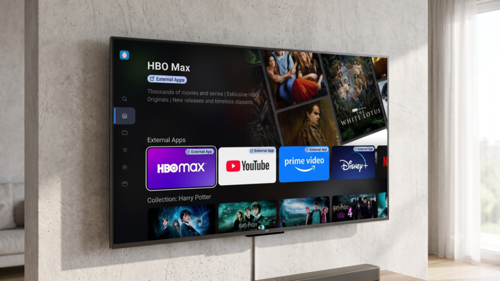
Sports Mode: Watch the match late, still don't know the score
The match kicks off at 20:45. A football fan gets to the sofa at 21:00, opens the TV app and starts the match from the beginning with startover. He is fifteen minutes behind the live broadcast.
Those fifteen minutes are enough to lose the match. A score strip on his phone, a push notification from a sports app, a message from a friend: one look at the phone and he knows the result before he sees the first goal.
Sports Mode removes the reason to pick up the phone. The score, the stats and the line-ups are already on the TV, and they are only as far into the match as he is.
Live data, on the viewer's own timeline
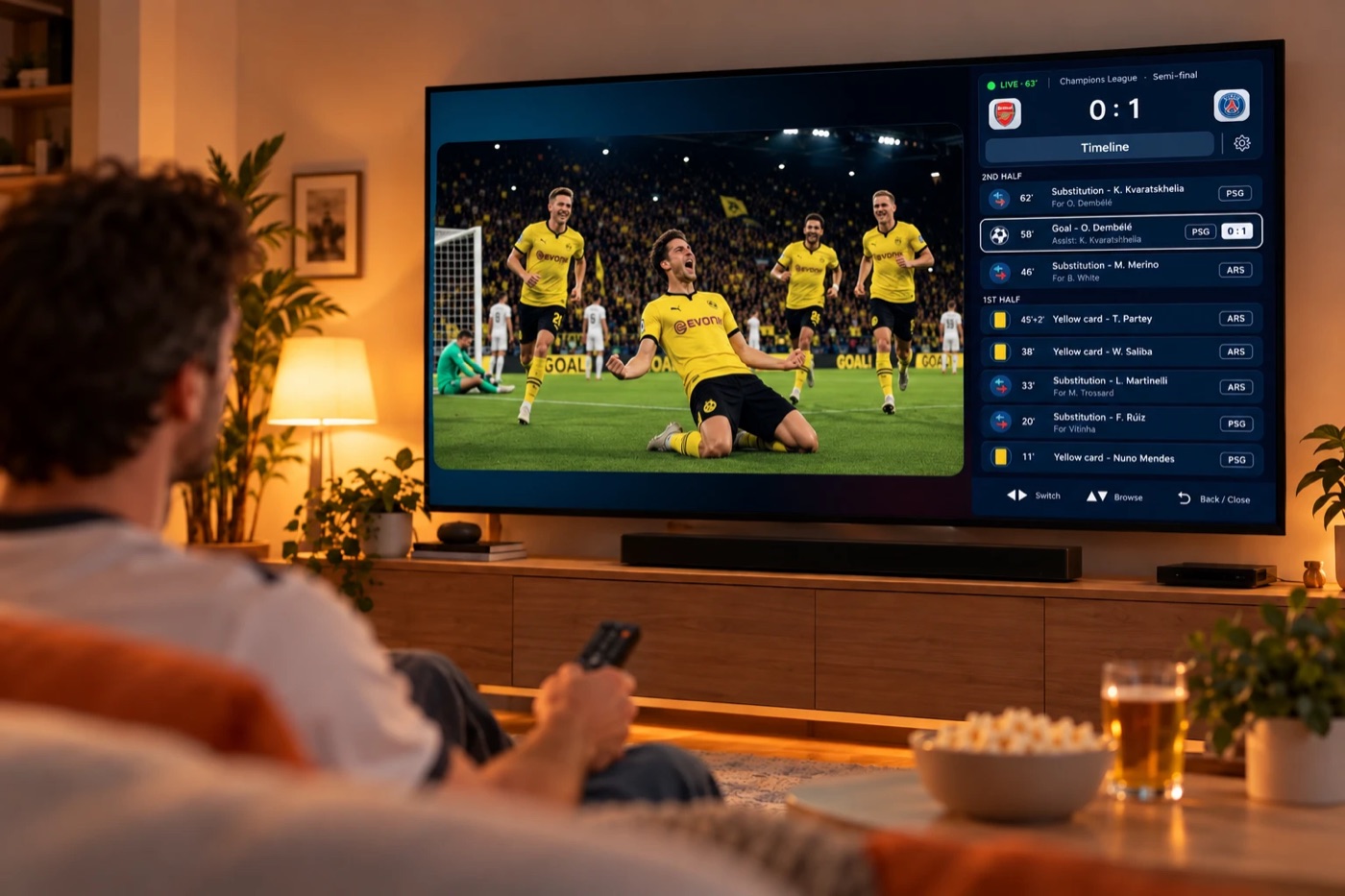
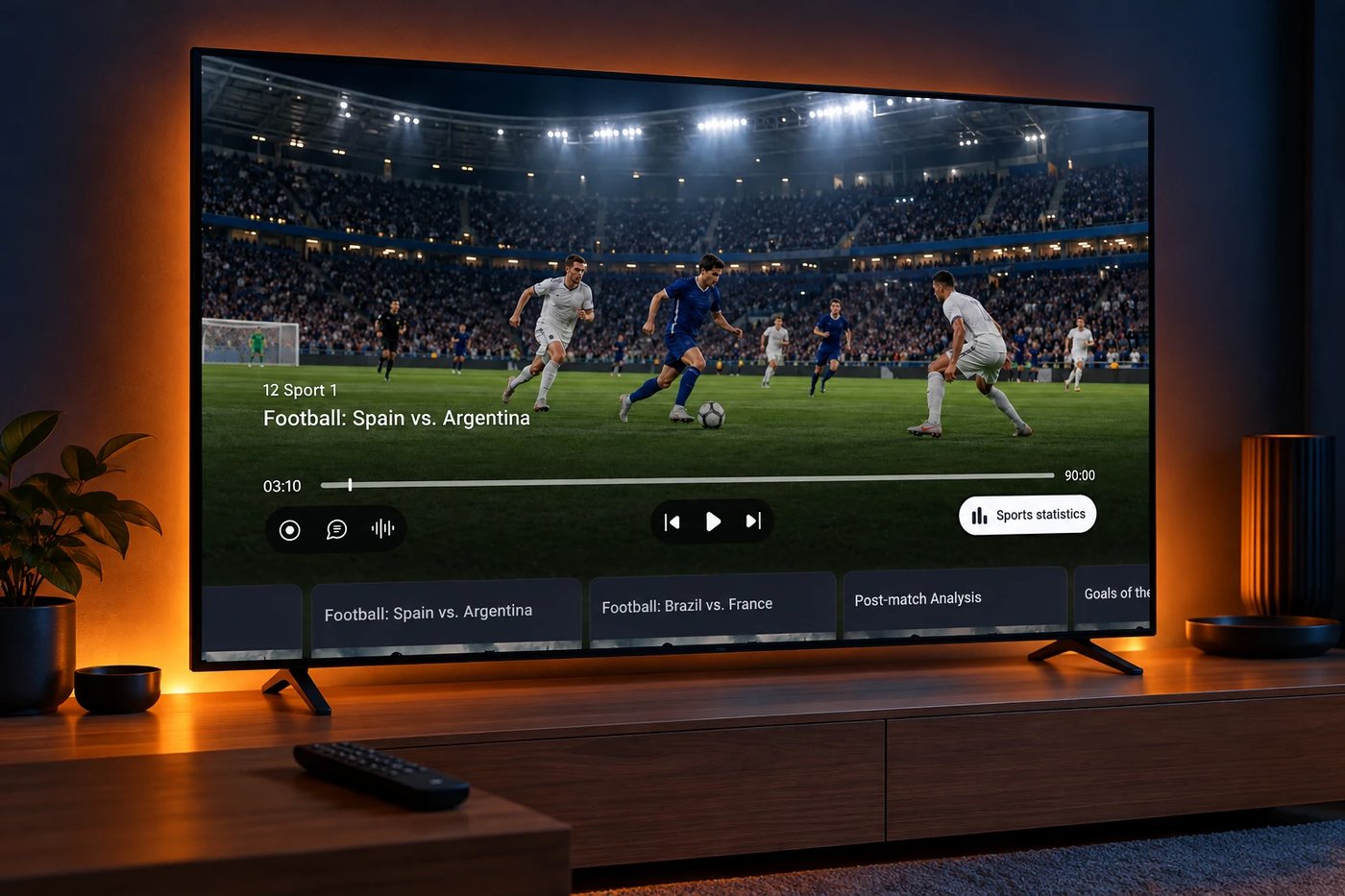
Sports Mode shows match data directly in the TV player: score, goals, cards, substitutions, possession, shots and line-ups.
The important part is when it shows them. Each event appears only when the viewer's picture reaches it, not when it happened live. Our fan started fifteen minutes late, so the 11th-minute goal appears when his picture reaches the 11th minute. Not a second earlier. If he rewinds to kick-off, the scoreboard goes back to 0:0.

The statistics follow the same rule. Every event carries the score at that moment, and its time is corrected for the stream delay. Possession, shots and cards show the state of the match on screen, not the final result. Line-ups change with each substitution only when the viewer reaches it. Skip forward and the numbers catch up. Skip back and they return to that moment.
Nothing in the app gives the result away. The fan watches at his own pace.
Spoiler mode, for viewers who want everything
Some viewers want the result first, for example before they decide whether to watch the whole match or only the goals. For them, the app has a Spoiler mode toggle. It is off by default. When the viewer turns it on, the app shows all events, including the final score.
Why the stats belong on the TV
Operators offer startover and timeshift for viewers who can't watch live. For sport, these features work only while the viewer doesn't know the result. The moment he checks the score somewhere else, the replay loses its point.
Sports Mode puts the statistics fans would otherwise look up on the phone into your app, on the TV, at the right moment of the match. The viewer's attention stays in your app, and startover and timeshift keep their value.
Live sync with Metaprofile
The match data comes from Metaprofile, a sports data provider. The ModernTV platform stays in live sync with Metaprofile during the match, so the apps always load an up-to-date picture of the match.
Sports Mode works alongside our low-latency streaming, which brings the live picture much closer to real time. Live viewers see the match and its data almost as it happens.
Availability
For now, Sports Mode covers football only, in the Android TV app. More apps will follow. More sports will follow too, and we will write about each one when it arrives.
To see Sports Mode on a live match, request a demo.
FAQ
What is Sports Mode?
A ModernTV platform feature that shows live match data in the TV player: score, goals, cards, substitutions, team statistics and line-ups.
Can Sports Mode spoil a match watched on startover or timeshift?
No. Each event appears only when the viewer's picture reaches it. Rewind to kick-off and the score goes back to 0:0. Viewers who want the full result can turn on Spoiler mode.
Where does the match data come from?
From Metaprofile, a sports data provider. The platform stays in live sync with Metaprofile during the match.
Which sports does Sports Mode cover?
For now, football only. More sports will follow.
Recent posts

QoE analytics: Spot a frozen screen before your customer calls
Read more
A faster backend: Your least-watched title now loads like a hit
Read more
In-app Purchases: Turn the big match into a one-tap upgrade
Read more